 Scrape Data With Python and Google Colab Notebooks
Google Colab Notebooks are a new way of coding, particularly suited to data science, or jobs where you are feeling your way, learning as you go, and trying things out.
These examples were made working with a student wanting to understand how perceptions towards the idea of a "sugar tax" had evolved over the last ten years in government. They had never coded before, learned a little Python, then dived in the deep end.
Here are our example Colab Notebooks that you will want to duplicate and edit for yourself. They are provided not as "working code" but as examples that you might learn from.
Get A Web Page With Python - Part 1 - This first notebook shows how to load python modules and get a web page.
How To Get A Web Page Title With Beautiful Soup - This example introduces the Beautiful Soup module which is used to help only get the data you want out of complex HTML page.
A Complete Solution - Scrape Sugar Tax Information. In this much longer and complex example, we get lists of search results and get sub-pages from each of the results. If the result is a PDF we save it Google Drive, and extract the text from it. It also used the Natural Language Toolkit module to get a list of keywords from the texts found. Note: You will need to authorize Google Drive access for this to work, a small Code item does this for you.
All of this data is then saved into a Google Spreadsheets. Note: You will need to change Spreadsheet URLs to match yours to get this work.
Tools
Google Colab
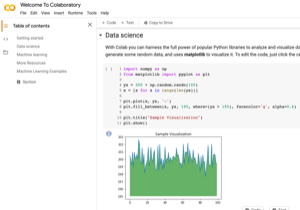
https://colab.research.google.com/notebooks/intro.ipynbGoogle Colab Notebooks are documents where you can mix notes and Python code.
They are brilliant for creating teaching resources, or, working on a project where you are figuring it out as you go, because you can create little fragments of code, and run them one at a time.
Learning
Learn Python For Data Science From Scratch
https://data36.com/learn-python-for-data-science-from-scratch/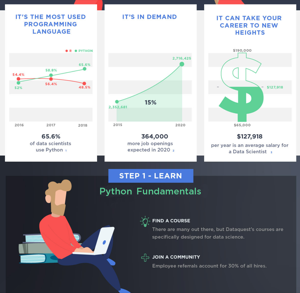
Data Science With Python
https://www.dataquest.io/blog/how-to-learn-python-for-data-science-in-5-steps/